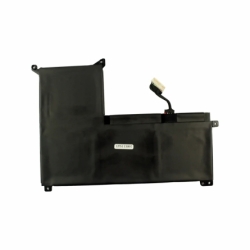
ASUS VIBOBOOK PRO C32N2022 LAPTOP BATTERY
€50.75
Laptop Battery Asus Models: ViboBook Pro P/N:C32N2022
8.31
Ah
Ah
11.55
V
V
A new battery can restore mobility to a laptop whose current battery runs down quickly, will not charge or has deteriorated. The catalogue is organised by brand and family, while the definitive match comes from the original battery part number.
Compatibility is not determined by the brand or device family alone. Before ordering, compare the following details with the battery or part already fitted:
Search by battery part number first. Then check the complete laptop model and every technical detail. A partial match does not prove compatibility, particularly where a laptop range has several internal revisions.
If you are unsure, use the exact reference printed on the original battery or component. Check the full device model and its specific variant as well. This prevents returns and avoids fitting a part that looks similar but is electrically incompatible.
It is normally printed on a label on the battery. Access to an internal battery should follow the device manufacturer’s instructions.
Watt-hours state the energy stored and help compare expected runtime between batteries of the same voltage and compatibility.
Check availability, price and delivery information on each product page. Make the final choice from the reference and specifications, not appearance alone.
You may also browse: Xiaomi laptop batteries · Lenovo ThinkPad batteries · HP Spectre batteries.

Laptop batteries by manufacturer
ASUS VIBOBOOK PRO C32N2022 LAPTOP BATTERY
ASUS ZENBOOK C32N1305 LAPTOP BATTERY
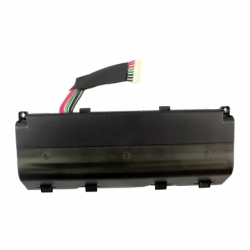
ASUS G SERIES A42N1403 LAPTOP BATTERY
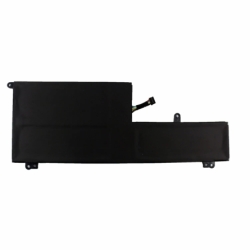
LENOVO YOGA SERIES LAPTOP BATTERY L16C6PC1
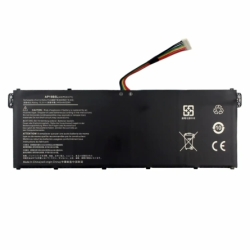
LAPTOP BATTERY FOR ACER ASPIRE 5, ASPIRE VERO, TRAVELMATE AP19B5L
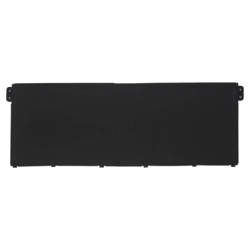
ACER TRAVELMATE P2 TMP216-51G laptop battery | AP22ABN
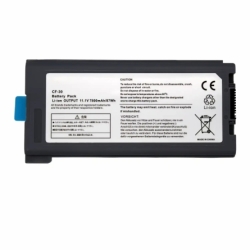
Laptop Battery for PANASONIC THOUGHBOOK CF-30 CF-31 CF-63
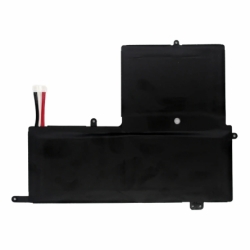
EVOO M14LC2-256 U489566PV-3S1P EVC156 SERIES Laptop Battery