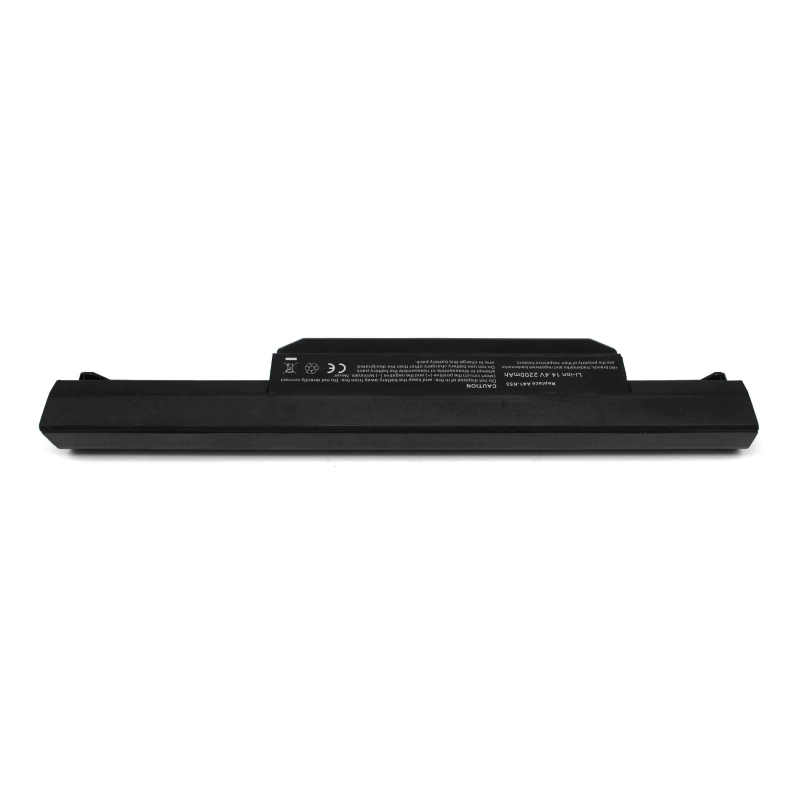
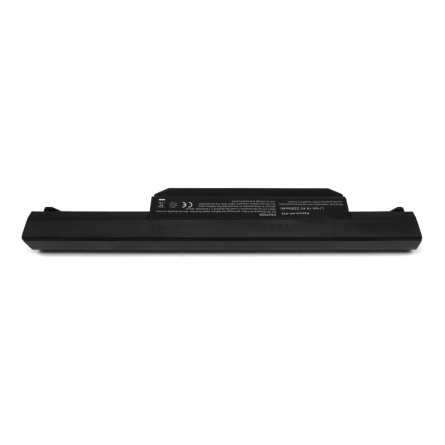
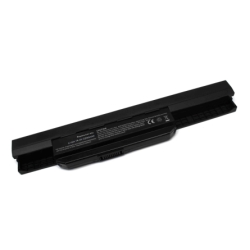
LAPTOP BATTERY ASUS A41-K53 K53E K43E
P/N: A41-K53
quality/price without compromising the operation of the equipment.
Why choose a quality compatible battery
A well-designed compatible battery not only reduces cost, but can offer completely reliable performance if it meets the appropriate parameters.
These batteries are manufactured under certified quality control processes in accordance with ISO 9001 and ISO 14001 standards, which guarantees a high level of demand in both manufacturing and management. environmental.
These batteries prioritize:
- Real compatibility with the equipment
- Stability in charging and discharging
- Integrated electronic protections
- Optimized useful life
This allows a safe and efficient user experience, comparable to the original battery under normal conditions of use.
What you should check before buying
To ensure that you choose the correct battery, it is important to verify the following data:
- Original reference of the battery
- Exact model of the laptop
- Voltage (V) and capacity (mAh or Wh)
- Shape and type of connector
On each product sheet you will find a list of compatible models and equivalent references to facilitate identification.
FEATURES
Specifications
| Voltage: | 14.4 V / 14.8 V |
| Capacity: | 2200 mAh |
Compatible models
- Asus A43
- Asus A43BR
- Asus A43BY
- Asus A43E
- Asus A43S
- Asus A43SA
- Asus A43SD
- Asus A43SJ
- Asus A43SM
- Asus A43SV
- Asus A43TA
- Asus A43TK
- Asus A43U
- Asus A53
- Asus A53BR
- Asus A53BY
- Asus A53E
- Asus A53SC
- Asus A53SD
- Asus A53SJ
- Asus A53SK
- Asus A53SM
- Asus A53SV
- Asus A53TA
- Asus A53TK
- Asus A53U
- Asus A53Z
- Asus A54
- Asus A54C
- Asus A54H
- Asus A54HR
- Asus A54HY
- Asus A54L
- Asus A54LY
- Asus A83
- Asus A83B
- Asus A83BR
- Asus A83BY
- Asus A83E
- Asus A83S
- Asus A83SA
- Asus A83SD
- Asus A83SJ
- Asus A83SM
- Asus A83SV
- Asus A83T
- Asus A83TA
- Asus A83TK
- Asus A83U
- Asus A84
- Asus A84S
- Asus A84SJ
- Asus K43
- Asus K43B
- Asus K43BR
- Asus K43BY
- Asus K43E
- Asus K43S
- Asus K43SA
- Asus K43SD
- Asus K43SJ
- Asus K43SM
- Asus K43SV
- Asus K43T
- Asus K43TA
- Asus K43TK
- Asus K43U
- Asus K53
- Asus K53B
- Asus K53BR
- Asus K53BY
- Asus K53E
- Asus K53S
- Asus K53SC
- Asus K53SD
- Asus K53SJ
- Asus K53SK
- Asus K53SM
- Asus K53SV
- Asus K53T
- Asus K53TA
- Asus K53TK
- Asus K53U
- Asus K53Z
- Asus K54
- Asus K54C
- Asus K54H
- Asus K54HR
- Asus K54HY
- Asus K54L
- Asus K54LY
- Asus K84
- Asus K84C
- Asus K84H
- Asus K84HR
- Asus K84HY
- Asus K84L
- Asus K84LY
- Asus X43
- Asus X43B
- Asus X43BR
- Asus X43BY
- Asus X43E
- Asus X43JE
- Asus X43JF
- Asus X43JR
- Asus X43SR
- Asus X43SV
- Asus X43T
- Asus X43TA
- Asus
- Asus X44H
- Asus X44HO
- Asus X44HR
- Asus X44HY
- AsusX53BR
- Asus X53BY
- Asus X53E
- Asus X53SC
- Asus X53SD
- Asus X53T
- Asus X53TA
- Asus X53TK
- Asus X53U
- Asus
- Asus X54HY
- Asus X54K
- Asus X54L
- Asus X54LB
- Asus X54LY
- Asus X84C
- Asus X84E
- Asus X84H
- Asus X84HO
- Asus
- Asus P43EB
- Asus P43EI
- Asus P43S
- Asus P43SJ
- Asus P53
- Asus P53E
- Asus P53S
- Asus P53SJ
- Asus P53XI
- Asus Pro4J
- Asus Pro4JE
- Asus Pro4JS
- Asus Pro4JSJ
- Asus Pro5N
- Asus Pro5NB
- Asus Pro5NBR
- Asus Pro5NBY
- Asus Pro5NE
- Asus Pro5NS
- Asus Asus Pro5NSC Pro5NZ
- Asus Pro5P
- Asus Pro5PE
- Asus Pro5PS
- Asus Pro5PSJ
- Asus Pro8G
- Asus Pro8GB
- Asus Pro8GBR
- Asus Pro8GBY
- Asus Pro8GE
- Asus Asus Pro8GS A45
Compatible serial numbers
Attention
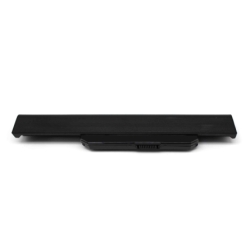
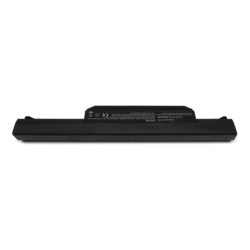
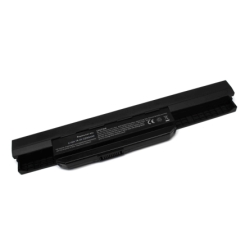
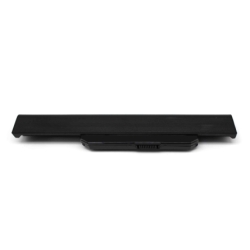
Before purchasing, please make sure that the battery you need is the one we advertise. To avoid errors and returns, compare your laptop battery with the one shown in the photographs. In some cases they may match the P/N number and not physically match.
This laptop battery is compatible with the indicated models (and more). You can see the complete model of your laptop located below it. If you cannot find the model of your laptop or do not know which battery is compatible, please ask and we will be happy to inform you.
Electronic protections
| Against deep discharge | Automatic cut-off to protect the cells. |
| Protection thermal | Temperature monitoring and cut-off. |
| Against short circuits | Instant safety response. |
| Charging temperature control | Stable and safe charging. |
| RoHS | Restriction of hazardous substances |
Your model is not listed?
It is possible that your laptop is compatible with this battery even if it does not appear explicitly in the list. This may occur because some manufacturers use the same battery in different models or variants.
In this case, it is recommended to check the following:
- The reference of the original battery matches one of those indicated
- The voltage is exactly the same (critical data)
- The connector and shape are identical
- The dimensions are compatible with the laptop housing
If these points coincide, it is very It is likely that the battery is compatible with the device, even if the model is not listed.
In case of doubt, it is advisable to verify compatibility before making the purchase to avoid errors.
Real advantages when replacing the battery
- Recovers autonomy
Allows you to use the laptop again without constantly depending on the charger. - Stable operation
Avoid shutdowns unexpected events and improves equipment performance. - Longer lifespan
Reduces the need for frequent replacements. - Easy installation
In most cases, replacement is quick and does not require advanced technical knowledge.
Compatibility: the key point
Compatibility is the most important aspect when choosing a laptop battery. Therefore, in this sheet you will find all the compatible references and equivalent models associated with this product.
Choosing correctly guarantees proper functioning and avoids problems during installation or use.
Recommendations for replacing the battery
Replacing a laptop battery is asimple process in most cases, but it is important to follow a series of recommendations to ensure a correct and safe installation.
Before installation
- Turn off the laptop completely (not in sleep mode)
- Disconnect the charger and any peripherals
- Work on a clean, dry and static-free surface
During replacement
- Handle the battery with care, avoiding knocks or deformations
- Do not force connectors or parts
- Make sure that the connector fits correctly in its position
- Check that the battery is securely fixed in its housing
First use of the battery
To optimize performance and useful life, it is recommended to perform a complete initial charge cycle:
- Charge the battery to 100% before first use
- Use the laptop until the charge is reduced to approximately 10-15%
- Recharge fully
This process helps to correctly calibrate the laptop's power management system.
Tips to prolong lifespan
- Avoid frequent full discharges (0%)
- Do not keep the battery constantly at 100% for long periods
- Avoid prolonged exposure to high temperatures
- Always use compatible chargers in good condition
Important
If during installation you detect that the battery does not fit correctly or the connector does not match exactly, the installation should not be forced. In that case, it is advisable to check the compatibility before continuing.